For partner solution consultants
One less integration in your NetSuite design, and a better AP demo
Charted runs inside NetSuite, so the AP part of your solution design consists of NetSuite records rather than a connector you have to scope, document, and defend. This page covers the architecture, how the AI learns each account, the questions to ask about any other AP tool, a 20-minute demo, and how to get a sandbox account so you can run it without us.

Our partners:













What you get
What Charted does for your design and your demo

Nothing to integrate
Bills, approvals, and payments are NetSuite records from the start, so there is no connector to scope, no field mapping to document, and no sync to own after go-live.
A demo that stays in NetSuite
The AP demo runs in the same account as the rest of your demo, so the prospect sees one system and NetSuite looks more complete.
An answer when the prospect names another tool
The comparison guide is a set of questions you can ask about any AP tool, without us on the call.
You are not waiting on us
A sandbox for your firm, the documentation, and a Charted solution engineer when a technical question comes up in a live deal.
Architecture
Built inside NetSuite
Almost every AP automation tool runs outside NetSuite and syncs with it. Charted runs inside NetSuite as a native SuiteApp, which is where most of the differences below come from. Everything Charted does is a NetSuite record, so there is no integration to build, nothing to sync, and no second system of record for the auditors to argue about.
A certified NetSuite Al SuiteApp
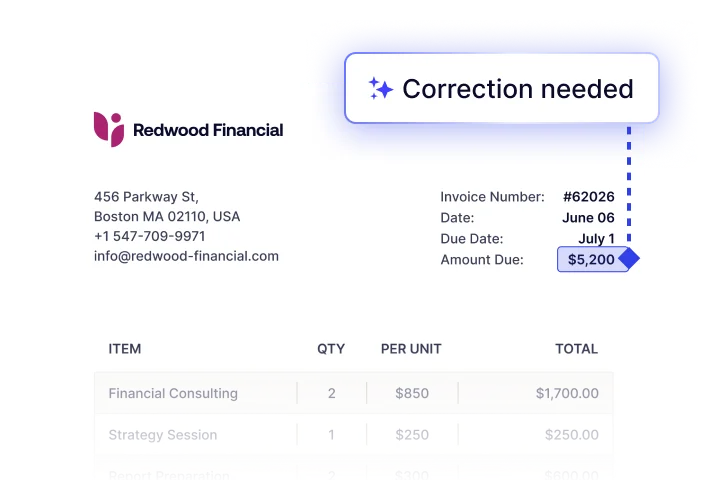
Installed from the SuiteApp Marketplace on NetSuite’s current deployment technology. Charted AI works on NetSuite records, roles, and permissions, and data extraction learns from each customer’s account, improving over time based on their corrections.
Standard NetSuite records
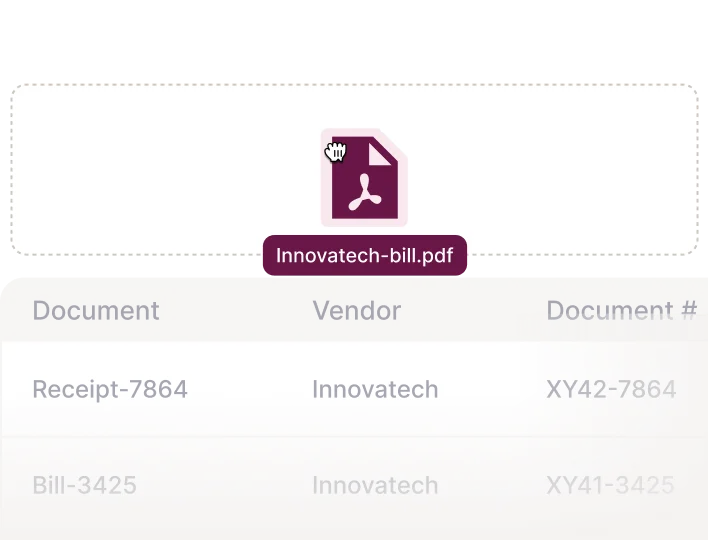
Vendor bills, purchase orders, item receipts, and vendor payments are the real NetSuite transactions. Charted adds the automation around them.
Approvals without licenses
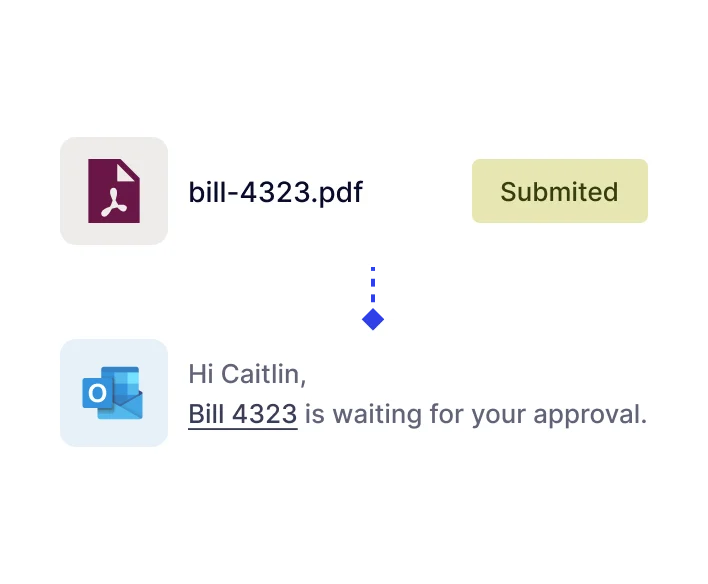
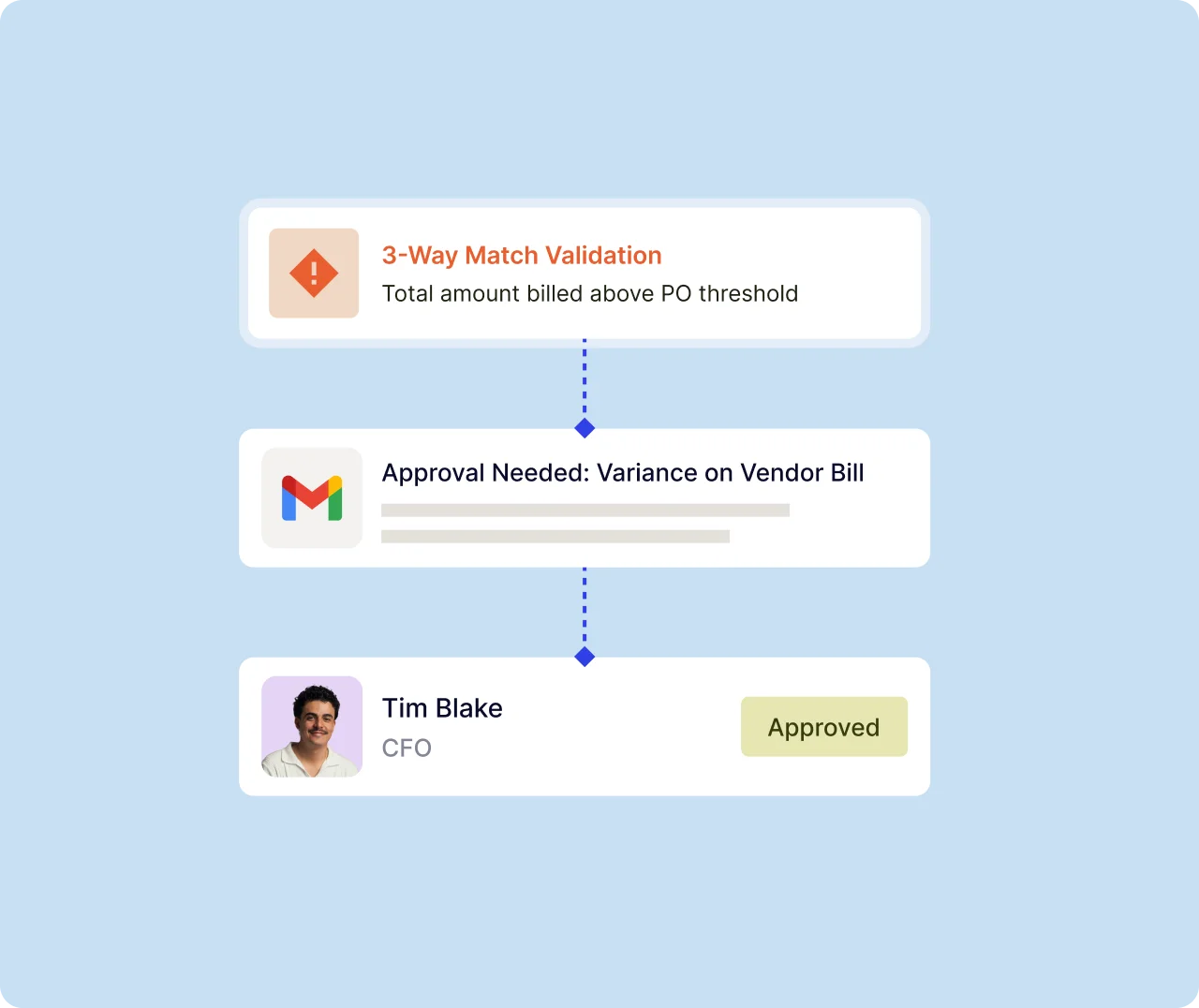
Approvers act from email, without needing a NetSuite license. Every action is still kept on the NetSuite record.
Vertical depth
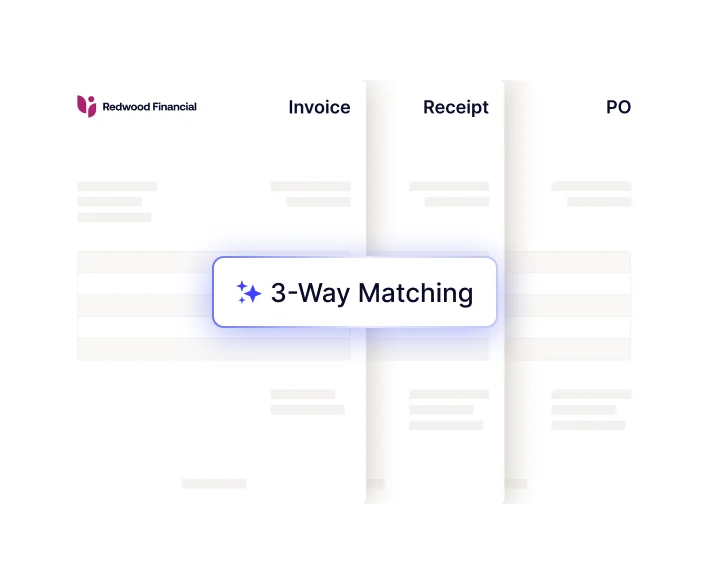
Built for the industries NetSuite serves. Invoices are coded to clinical trials and grants or funding sources are separated for life sciences companies. Three-way matching brings receipts, and tolerances are monitored for manufacturing and distribution. Configurations follow NetSuite’s industry structures.
Multi-entity, multi-currency, and global
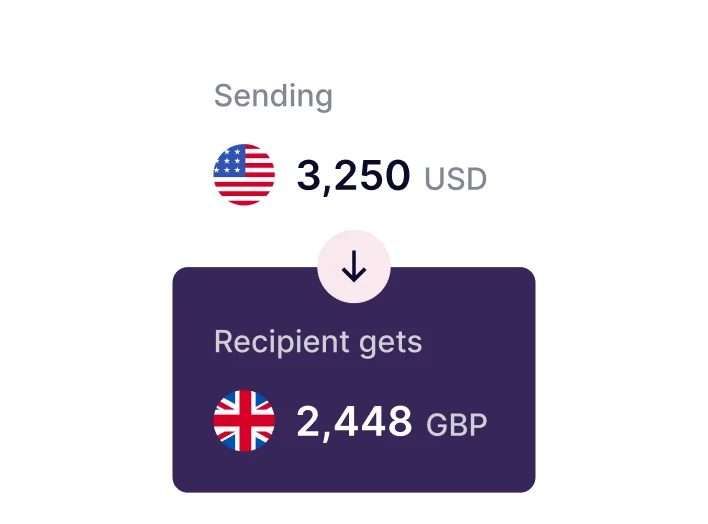
One inbox, one set of learned coding, and one approval process across every subsidiary and currency, including intercompany bills, with vendors in more than 180 countries and territories. Pay in your customer’s currency of choice from inside NetSuite, so finance teams with multi-entity setups in several countries can run one AP process instead of one per country.
SOC 1, SOC 2, and audit trail

SOC 1 Type II and SOC 2 Type II reports from regular independent audits, and every match, approval, and payment captured in NetSuite System Notes.
The AI
How Charted AI learns each customer’s invoice patterns
Charted builds and runs its own extraction and learning inside the customer’s NetSuite account. It reads any vendor layout with no templates to set up and extracts header and line-level data at 95% + accuracy, so the Al questions you get in a deal have specific answers.
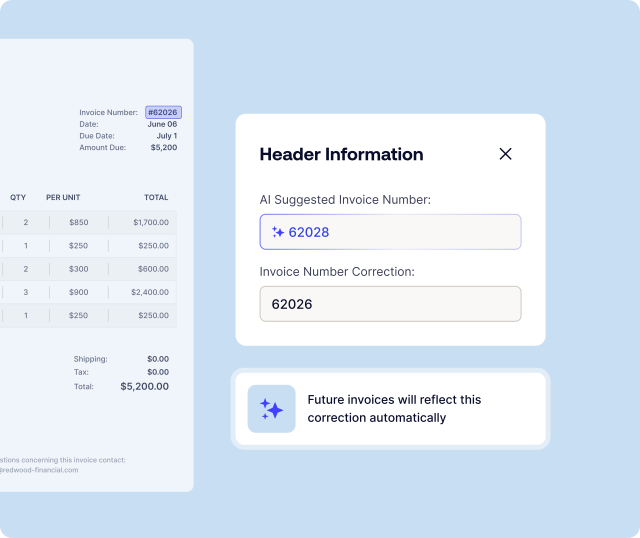
When someone corrects a scanned bill in the review screen, Invoice Al remembers the change, works out the business logic behind it, and applies it from the next scan of that vendor’s invoices. That covers header fields such as vendor, date, subsidiary, and invoice number, as well as line-level coding such as account, department, class, location, and custom fields, with nothing to configure.
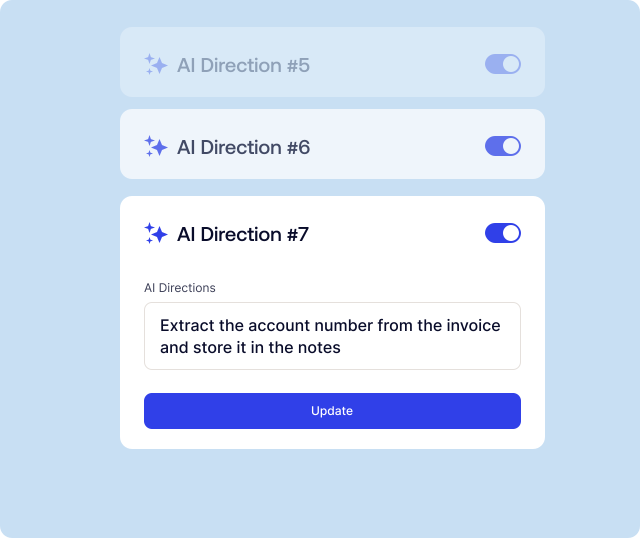
Al Directions are natural-language instructions scoped to one vendor, a keyword on the document, or every invoice: translate the invoice, read only the first two pages, build the invoice number from the billing month and the meter number, or pull a custom field from a set position on the page. Invoice Al rules add if-then logic, such as assigning the subsidiary from the sender’s address.
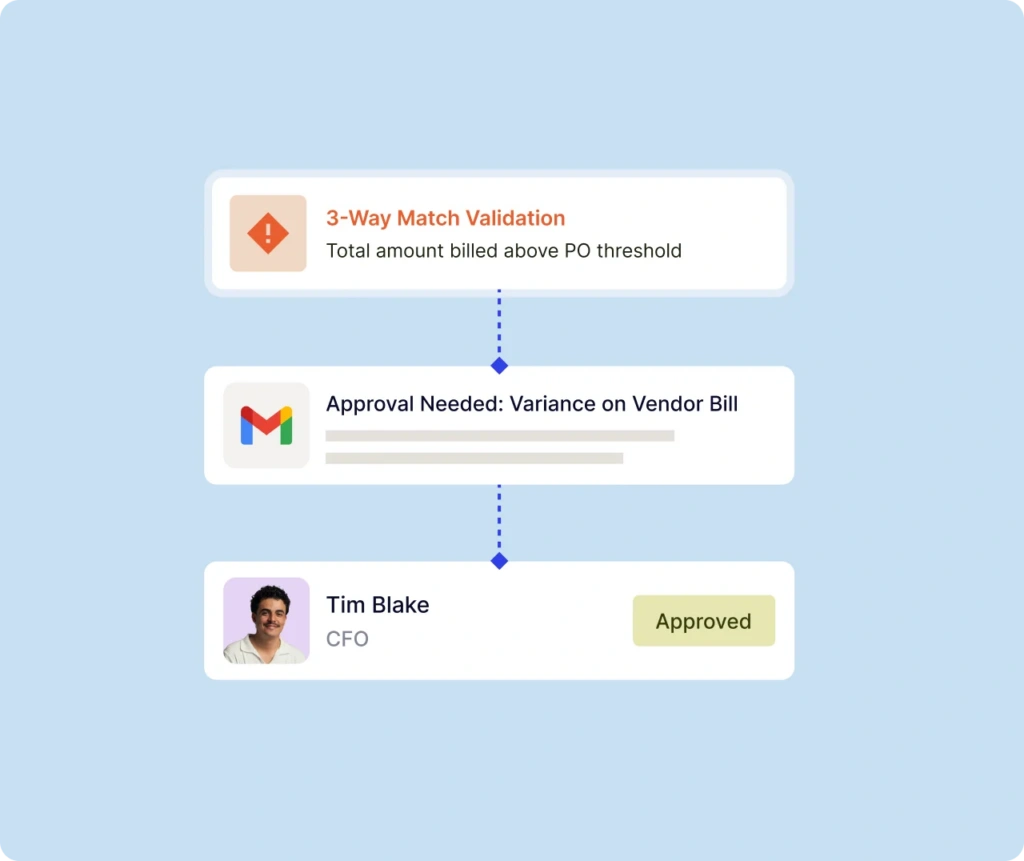
Bills are created without a touch only when the invoice meets the criteria, such as a PO whose open quantities match the invoice exactly. Every bill, whether touchless or manually created, still goes through the established workflows including three-way matching and approvals. Everything the Al creates is a standard NetSuite vendor bill with the source document attached, reviewed side by side, with NetSuite’s own record history behind it.
How Charted is different
Where AP tools differ, and what to ask about any of them
This guide is designed to help you figure out how potential AP automation solution providers stack up against each other across various criteria. Here we list out how Charted handles every area, and what to look for in other tools.
|
Area |
How Charted does it |
What to check in any other tool |
|
Scope |
Charted provides AP automation only for NetSuite and nothing else. Vendor onboarding, invoice captures, approvals, payments, and accruals are all built for your chosen ERP. |
Is AP the product, or one module in a broad portfolio? Was every part of it built for NetSuite, or adapted from a design that serves many ERPs? |
|
Industry fit |
Built with the industries NetSuite serves: invoices coded to clinical trials, grants or funding sources in life sciences, matching tuned to receipts and tolerances in manufacturing and distribution, and setups that follow NetSulte’s own industry structure. |
What does the tool do differently for the prospect’s industry, beyond a logo page? Does it code to the objects the industry runs on (trials, grants, projects, lots), or treat every invoice the same? |
|
Where it runs |
Charted AP Automation is a certified SuiteApp. Everything is designed to log directly within NetSuite’s records from the very first dataset, no syncing required. |
Is it a SuiteApp, a legacy bundle, or an outside system with a connector? What happens to a record when the sync fails, and which system will the auditors trust? |
|
Invoice capture engine |
Charted builds and maintains its own extraction, tuned to each customer’s NetSuite account. It orchestrates several Al models with built-in redundancy and guardrails, so one model having a bad day does not stop AP. |
Is extraction built in-house or licensed from a third party, and who owns its roadmap? A licensed engine is tuned for many systems, and neither the vendor nor the customer can change how it reads an invoice. |
|
Capture speed |
Charted works in real time. Because everything lives directly in NetSuite, all data is kept in one place and is always available within seconds. |
Tools that rely on scripts often process invoices in batches, so you have to wait for the next run to occur before you can process your invoice. |
|
Learning from corrections |
A patented feedback loop connected to NetSuite learns from the team’s corrections, and customers fix extraction issues themselves, inside NetSuite, with plain-language directions. |
Who can tune the model? If extraction belongs to a third party, the answer is usually a data-quality case and a wait, and the customer cannot fine-tune anything. |
|
Exception handling |
Exceptions are reviewed and resolved in the Charted AP inbox inside NetSuite, where users chat with and tag the people who can answer. |
Where does the conversation about an exception happen? A queue with no built-in communication pushes it to email and chat, and the audit trail goes with it. |
|
Invoice formats |
PDF, image, Word, and Excel invoices, with e-invoice support included. |
Which formats are supported? Is e-invoicing included, or an add-on with a separate, additional cost? |
|
Vendor onboarding |
Vendor onboarding forms are sent directly from NetSuite with one click. Vendor details flow directly from vendors straight on to the NetSuite vendor record, and vendors never have to create or remember a third-party login. |
Do vendors go to a separate portal? Was that portal built for NetSuite or for many ERPs, and how does vendor data get back into NetSuite? |
|
Month-end accruals |
Accrual estimates from multiple sources, with journal entries and reversals generated from the NetSuite data you already have, without leaving NetSuite. |
What is the accrual based on? Open bills alone miss most of the month, and if the full estimate lives in a spreadsheet, so does the close. |
|
Payments |
ACH, check, and international payments to more than 180 countries and territories, in USD or the vendor’s local currency, from inside NetSuite. Money stays in the customer’s bank account until the payment disburses. |
Are checks supported? Do payments run through a third-party processor, and does the customer have to pre-fund an account outside their own bank? |
How Charted does it
Scope
Charted provides AP automation only for NetSuite and nothing else. Vendor onboarding, invoice captures, approvals, payments, and accruals are all built for your chosen ERP.
Industry fit
Built with the industries NetSuite serves: invoices coded to clinical trials, grants or funding sources in life sciences, matching tuned to receipts and tolerances in manufacturing and distribution, and setups that follow NetSulte’s own industry structure.
Where it runs
Charted AP Automation is a certified SuiteApp. Everything is designed to log directly within NetSuite’s records from the very first dataset, no syncing required.
Invoice capture engine
Charted builds and maintains its own extraction, tuned to each customer’s NetSuite account. It orchestrates several Al models with built-in redundancy and guardrails, so one model having a bad day does not stop AP.
Capture speed
Charted works in real time. Because everything lives directly in NetSuite, all data is kept in one place and is always available within seconds.
Learning from corrections
A patented feedback loop connected to NetSuite learns from the team’s corrections, and customers fix extraction issues themselves, inside NetSuite, with plain-language directions.
Exception handling
Exceptions are reviewed and resolved in the Charted AP inbox inside NetSuite, where users chat with and tag the people who can answer.
Invoice formats
PDF, image, Word, and Excel invoices, with e-invoice support included.
Vendor onboarding
Vendor onboarding forms are sent directly from NetSuite with one click. Vendor details flow directly from vendors straight on to the NetSuite vendor record, and vendors never have to create or remember a third-party login.
Month-end accruals
Accrual estimates from multiple sources, with journal entries and reversals generated from the NetSuite data you already have, without leaving NetSuite.
Payments
ACH, check, and international payments to more than 180 countries and territories, in USD or the vendor’s local currency, from inside NetSuite. Money stays in the customer’s bank account until the payment disburses.
What to check in any other tool
Scope
Is AP the product, or one module in a broad portfolio? Was every part of it built for NetSuite, or adapted from a design that serves many ERPs?
Industry fit
What does the tool do differently for the prospect’s industry, beyond a logo page? Does it code to the objects the industry runs on (trials, grants, projects, lots), or treat every invoice the same?
Where it runs
Is it a SuiteApp, a legacy bundle, or an outside system with a connector? What happens to a record when the sync fails, and which system will the auditors trust?
Invoice capture engine
Is extraction built in-house or licensed from a third party, and who owns its roadmap? A licensed engine is tuned for many systems, and neither the vendor nor the customer can change how it reads an invoice.
Capture speed
Tools that rely on scripts often process invoices in batches, so you have to wait for the next run to occur before you can process your invoice.
Learning from corrections
Who can tune the model? If extraction belongs to a third party, the answer is usually a data-quality case and a wait, and the customer cannot fine-tune anything.
Exception handling
Where does the conversation about an exception happen? A queue with no built-in communication pushes it to email and chat, and the audit trail goes with it.
Invoice formats
Which formats are supported? Is e-invoicing included, or an add-on with a separate, additional cost?
Vendor onboarding
Do vendors go to a separate portal? Was that portal built for NetSuite or for many ERPs, and how does vendor data get back into NetSuite?
Month-end accruals
What is the accrual based on? Open bills alone miss most of the month, and if the full estimate lives in a spreadsheet, so does the close.
Payments
Are checks supported? Do payments run through a third-party processor, and does the customer have to pre-fund an account outside their own bank?
The demo
A 20-minute demo that shows the differences
Finance professionals recognize every step of this process, because it follows a single invoice from inbox to final payment. Run it from your sandbox, or bring the Charted team in for a joint demo.
Capture an invoice in real time 4 min
Email an invoice to the capture inbox and watch it become a coded vendor bill in NetSuite in seconds, with the document attached.
Resolve an exception in the inbox 4 min
Open a variance exception in the Charted AP inbox, tag the buyer, and show the conversation sitting on the record.
Teach the Al in plain language 3 min
Fix a miscoded line, then give Invoice AI a plain-language instruction; it will be applied to the next invoice, so the prospect sees the learning engine working.
Approve by email 3 min
Route the bill through the approval matrix and approve from email without a NetSuite license, then show the decision in System Notes.
Pay and accrue 6 min
Run one payment batch with ACH, a check, and an international payment at a live FX rate, then close with the accruals dashboard.
Sandbox
Demo sandbox
We keep a Charted demo environment with sample vendors, invoices, and approval flows already loaded, so you can demo without building anything. Ask your partner manager about access for your firm. If a sandbox is not the right fit yet, a Charted solution engineer demos with you on the call.

- One environment per firm, shared by your consultants
- Sample data refreshed on request
- Demo scripts and sample invoices included
Technical questions
Where to send technical questions
Documentation first, then the partner channel. For a question that comes up in a live deal, your partner manager pulls in a Charted solution engineer.
Documentation
Setup guides, configuration, and release notes.
Partner support channel
For questions outside a live deal. Reply within one business day.
Product updates
Stay up-to-date with new product information directly from the Charted partner team.
Process pages
Who does what in NetSuite, and where Charted takes over.
Frequently asked questions
The main difference between different AP tools is where the work happens: either inside, or outside, NetSuite. With an outside tool, the AP team lives in a second system and the integration creates unnecessary complexity. With Charted, the bill, the approval, and the payment are all NetSuite records from the start, so there’s nothing to reconcile and the audit trail is maintained within NetSuite.
Charted runs within the governance limits NetSuite applies to every SuiteApp, and it works on standard NetSuite records rather than adding a parallel data model. For specifics on script usage in a particular account, bring in a Charted solution engineer.
For vendor bills, yes. The Charted approval engine can route transactions for approval by amount, department, vendor, or project. Approvers can approve directly inside NetSuite or they can approve by email without needing a license. Approval workflows for other NetSuite transactions stay as they are.
Charted does not handle requisitions, purchase orders, sourcing, procurement, or receiving; those run in NetSuite. It does not implement or support NetSuite itself; certified NetSuite partners do that. And it works only with NetSuite, not with other ERPs. Charted starts at the vendor and vendor bill and matches back to the PO and receipt. If the prospect’s need is upstream of the invoice, that’s a NetSuite configuration conversation.
A customer’s data will always stay in NetSuite, because they were always standard NetSuite records. The bills, approvals, payments, and attached documents remain in the NetSuite account, with their source documents and System Notes history. Confirm what happens to Charted-specific data, such as AP inbox conversations and learned coding.
Yes. Charted runs one inbox, one set of learned coding, and one approval process across every subsidiary and currency, including intercompany bills. Vendors can be paid in USD or their own currency from inside NetSuite.
PDF invoices can be ingested via email, drag-and-drop, or manual upload, with e-invoice support included with Invoice AI. There are no templates to set up for each vendor layout.
Charted is SOC 1 and SOC 2 certified from regular independent audits, and every match, approval, and payment is captured in NetSuite System Notes. Prospects can request the reports through the Charted trust page.